MobiVisor Contacts
Secure Contact Management
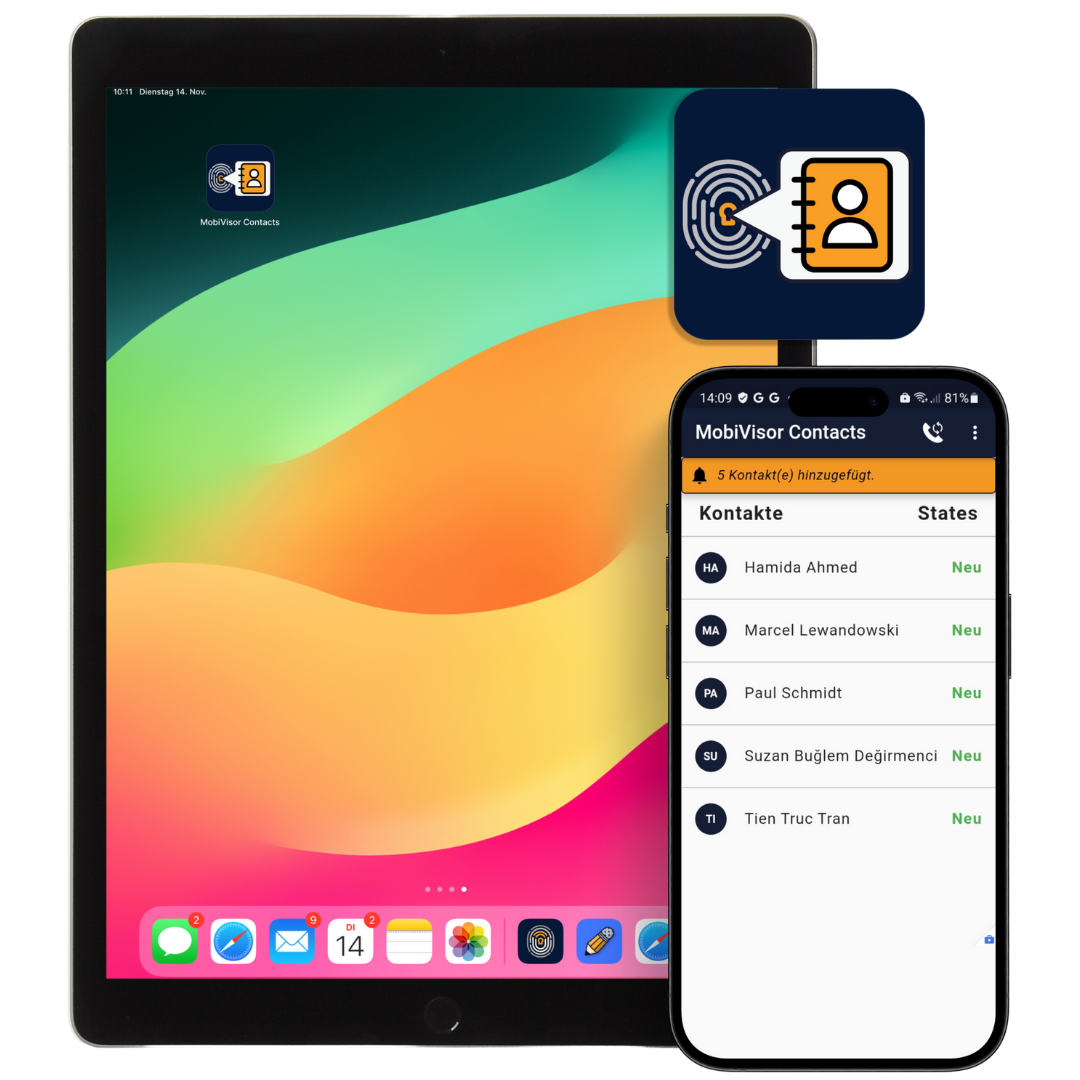
Centrally manage, sync and protect corporate contacts across Android and iOS devices with MobiVisor Contacts. Keep business address books up to date, improve mobile team communication and help prevent corporate contact data from spreading into personal apps or unmanaged devices.
Centralized Corporate Directory Management
Managing employee contact details manually can quickly become inefficient, especially when phone numbers, email addresses, departments and roles change regularly. MobiVisor Contacts gives companies a central way to manage, distribute and update corporate contact data across mobile devices.
Replace outdated spreadsheets and scattered address books with a secure, centrally managed corporate directory. IT teams can organize contacts, assign them to the right users or groups, and keep mobile address books up to date without manual work on each device.
Efficient communication: Employees can access accurate phone numbers and email addresses, helping teams communicate faster and avoid delays.
Reachability in urgent situations: In IT incidents, operational disruptions or emergencies, employees can quickly reach the right internal contacts.
Better collaboration: Standardized contact lists support smoother communication across departments, field teams and hybrid work environments.
Our experts on MobiVisor Contacts: Making work easier without compromise
“MobiVisor Contacts is particularly helpful when a team works on the move, as is often the case with home nursing or initiatives such as Dorfhelferinnen. Our customers use the app to ensure that their colleagues always have important phone numbers and email addresses to hand.”
– Saskia Riechers, Support MobiVisor
Contact management on mobile devices can be this easy!
1. Add Your Company Contacts
- Deploy MobiVisor Contacts through MobiVisor MDM or use it as a standalone application.
- Import company contact data via CSV or add contacts manually.
- Centrally manage phone numbers, email addresses, departments and job roles
2. Create and assign contact list
- Deploy MobiVisor Contacts through MobiVisor MDM or use it as a standalone application.
- Import company contact data via CSV or add contacts manually.
- Centrally manage phone numbers, email addresses, departments and job roles.
3. Synchronize contacts
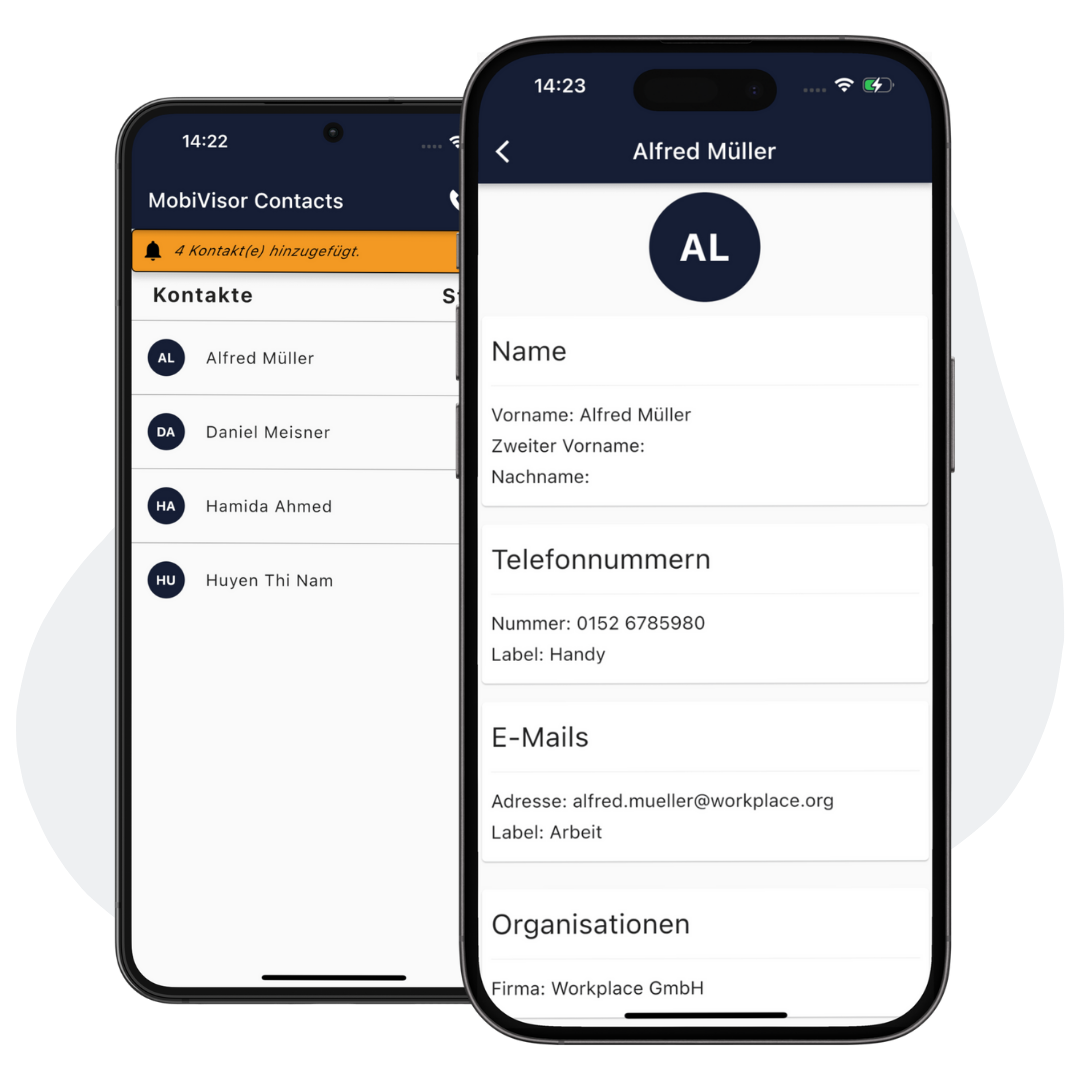
- Users log in to MobiVisor Contacts and securely synchronize corporate contacts.
- Updated contacts appear in the device’s native address book in a structured format.
- Changes to phone numbers, email addresses or departments can be managed centrally and distributed to mobile teams.
The Challenges of Managing Corporate Contacts Manually
Manual address book management becomes inefficient when employee phone numbers, email addresses, departments and roles change frequently.
Outdated Contact Data
Excel files, manual lists and employee devices quickly become unreliable sources.
Communication Delays
Incorrect numbers or missing email addresses make it harder to reach the right person.
Limited Mobile Access
Field, sales, support and hybrid teams may not always have the latest directory data.
Uncontrolled Data Sharing
Business contacts stored in personal apps or unmanaged devices reduce IT visibility and control.
Your Advantages at a Glance
Keep corporate address books accurate, secure and available across managed mobile devices.
- Centralized contact updates and synchronization without manual employee effort.
- Contact lists assigned by team, department, location or user group.
- Current contact details distributed consistently to employee devices.
- Easier contact transfer during onboarding, device replacement or device loss.
- Cleaner directory data, stronger governance and more secure mobile workflows.
Technical Information
Installation
Via MDM: MobiVisor Contacts is part of the MobiVisor MDM product family. The app can therefore be installed on all company devices at the same time via MDM command.
Manually: Alternatively, the app can be installed via Google Play Store (Android) or App Store (iOS).
Functionality
Once the app has been installed on the devices, the user must log in and synchronize the app. The contacts are then directly available in the device’s native contacts app. Changes are also transferred by a simple sync.
Security and encryption
Data is uploaded and transferred using MobiVisor MDM’s secure SSL encryption. All our solutions are hosted in a secure cloud in Germany and are GDPR-compliant.
Frequently Asked Questions
Quick answers about MobiVisor Contacts, corporate contact synchronization and secure mobile address book management.
What is corporate contact management?
Corporate contact management is the centralized administration of employee phone numbers, email addresses, departments and role-based contact information.
What does MobiVisor Contacts do?
MobiVisor Contacts helps companies centrally manage corporate contacts and securely synchronize them to Android and iOS mobile devices.
Which devices support MobiVisor Contacts?
MobiVisor Contacts can be used on Android and iOS devices. The app can be distributed through MobiVisor MDM or installed manually where required.
How are contacts synchronized to mobile devices?
After users log in to MobiVisor Contacts, approved corporate contacts are synchronized and become available in the device’s native address book.
Can different departments receive different contact lists?
Yes. Contact lists can be assigned by department, team, location or user group, so employees only receive the contacts relevant to their role.
Can contacts be imported with a CSV file?
Yes. Company contact data can be imported via CSV file or added manually, depending on your organization’s workflow.
Is MobiVisor Contacts used with MobiVisor MDM?
Yes. MobiVisor Contacts can be used as part of the MobiVisor MDM product family for centralized deployment and managed mobile contact synchronization.
How is corporate contact data protected?
Contact data is managed in a controlled environment and synchronized through secure mobile workflows designed for enterprise device management.