MobiVisor Files
Enterprise File Management
Centrally store, manage and share company files on managed mobile devices with MobiVisor Files. Designed for MDM environments, MobiVisor Files helps companies control file access, assign user-based permissions and protect business documents with secure data transfer.
Secure Enterprise
File Management
Managing company files across mobile devices can quickly become difficult when documents are shared through email, personal cloud storage or uncontrolled third-party apps. MobiVisor Files gives companies a secure and centralized way to store, manage and share business files on managed mobile devices.
With MobiVisor Files, IT teams can organize company documents, assign access rights to users or groups, and keep sensitive files inside a controlled MDM environment. Employees can access the files they need while administrators stay in control of permissions, storage and data protection.
Secure storage: Company files can be stored securely and made available only to authorized users.
Controlled access: Define individual user rights and decide who can view, open or manage specific files and folders.
Protected data transfer: TLS/SSL-encrypted transmission helps protect sensitive business data during file access and sharing.
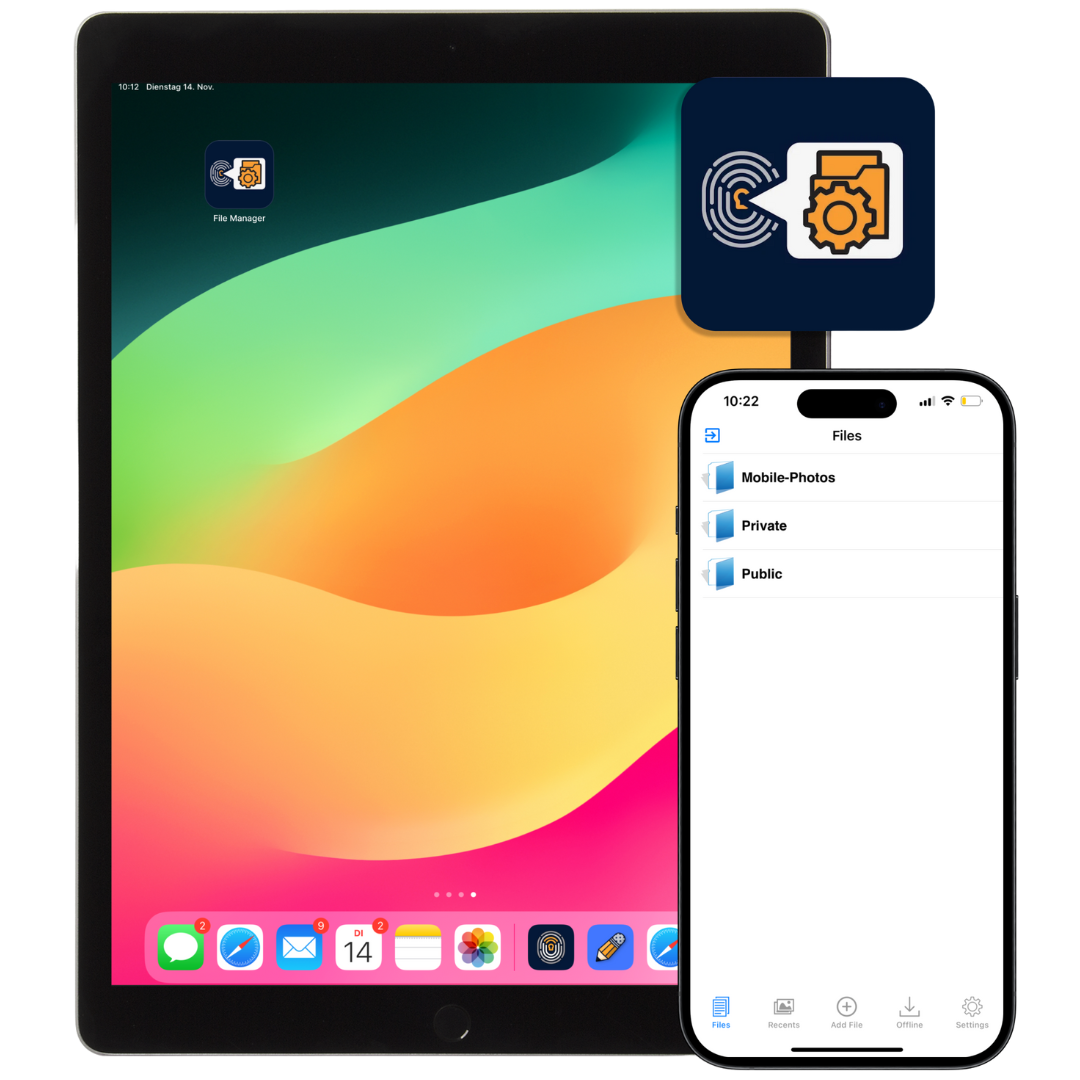
Straight from the team: Why MobiVisor Files makes the difference
“It is important for our MobiVisor Files customers to have a way to manage files securely and centrally. The advantage is that by connecting to MobiVisor MDM, all files remain within the MDM and file management is secured by it.”
– Maximilian Jakob, Support MobiVisor
Secure File Management Made Easy with MobiVisor Files
1. Set Up MobiVisor Files
- Deploy MobiVisor Files through MobiVisor MDM or install it as a secure file management app.
- Add the app as a file manager for managed company devices.
- Prepare employees to access approved business files from their mobile devices.
2. Manage Company Files Centrally
- Upload, store and organize business files in one central file management system.
- Define user-based access rights for files, folders and company documents.
- Keep sensitive business data inside a controlled MDM environment instead of unmanaged third-party apps.
3. Provide Secure Mobile File Access
- Employees can access authorized company files securely on mobile devices.
- TLS/SSL-encrypted data transfer helps protect sensitive files during access and sharing.
- Flexible hosting options support on-premise, private cloud or German cloud environments.
Your Advantages with Secure Enterprise File Management
MobiVisor Files helps companies manage business files securely on mobile devices. With central MDM integration, user-based access rights and encrypted data transfer, IT teams stay in control while employees get reliable access to the files they need.
Security and Data Protection
Keep company files inside a controlled business environment and reduce unauthorized access to sensitive corporate documents.
Central MDM Integration
Manage file access centrally through MobiVisor MDM and distribute approved business files to managed mobile devices.
User-Friendly Mobile File Access
Give employees simple and secure access to approved company files without relying on personal cloud storage or uncontrolled file sharing apps.
Maximum Control over Permissions
Define individual access rights for users, groups, files and folders so only authorized employees can open or manage specific content.
Technical Information
MobiVisor Files is designed for secure enterprise file management in MDM environments. The app helps IT teams deploy file access to managed mobile devices, control user permissions and protect business documents during storage and transfer.
Installation and Deployment
MobiVisor Files can be deployed centrally through MobiVisor MDM to company-owned mobile devices. The app can also be installed manually from Google Play for Android or the App Store for iOS when a standalone installation is required.
This gives IT administrators a flexible way to roll out secure mobile file access across teams, departments and device groups.
Functionality and Access Control
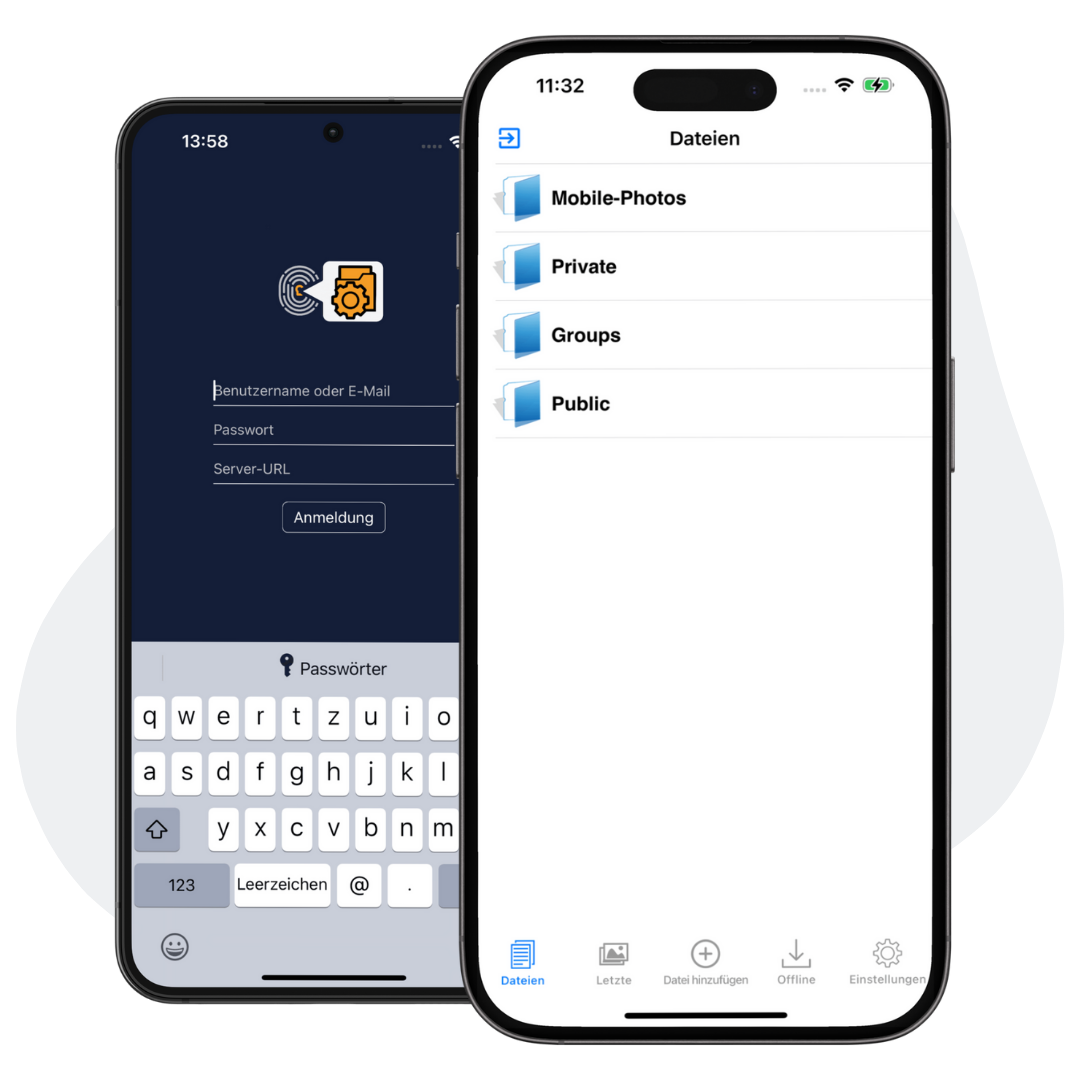
Users can log in through MobiVisor MDM or manually with their username and password. After login, only the files and folders assigned to that user become available.
Administrators can manage business files centrally, define access rights and decide which employees or groups are allowed to view specific company documents.
Security and Encryption
MobiVisor Files supports TLS/SSL-encrypted data transmission to help protect sensitive business files against unauthorized access during transfer.
Depending on your company setup, files can be managed in on-premise, private cloud or German cloud environments to support internal data protection requirements.
Frequently Asked Questions
Quick answers about MobiVisor Files, secure enterprise file management, MDM-based file access and protected mobile document sharing.
What is enterprise file management?
Enterprise file management is the centralized storage, organization, access control and secure sharing of business files across company users, departments and managed devices.
What does MobiVisor Files do?
MobiVisor Files helps companies securely store, manage and share business files on mobile devices while keeping file access under central IT control.
How does MobiVisor Files work with MobiVisor MDM?
MobiVisor Files can be deployed and managed through MobiVisor MDM. Administrators can assign file access, manage permissions and provide approved company files to managed mobile devices.
Can access rights be assigned to specific users or groups?
Yes. Administrators can define which users or groups are allowed to access specific files and folders, helping prevent unauthorized access to sensitive company documents.
Which devices support MobiVisor Files?
MobiVisor Files can be used on Android and iOS devices. The app can be distributed through MobiVisor MDM or installed manually where required.
How does MobiVisor Files protect business files?
MobiVisor Files supports secure file access with controlled permissions and TLS/SSL-encrypted data transmission to help protect sensitive business files during transfer.
Can MobiVisor Files reduce the use of third-party file sharing apps?
Yes. By providing a central and managed file environment, MobiVisor Files helps companies reduce uncontrolled sharing through personal cloud storage, email attachments or unmanaged third-party apps.
Can files be hosted on-premise or in the cloud?
Yes. Depending on the company setup, MobiVisor Files can support flexible hosting models such as on-premise, private cloud or German cloud environments.
Who should use MobiVisor Files?
MobiVisor Files is useful for companies that need secure mobile file access, central document management, user-based permissions and better control over business files on managed devices.